Before
After
Drag to compare
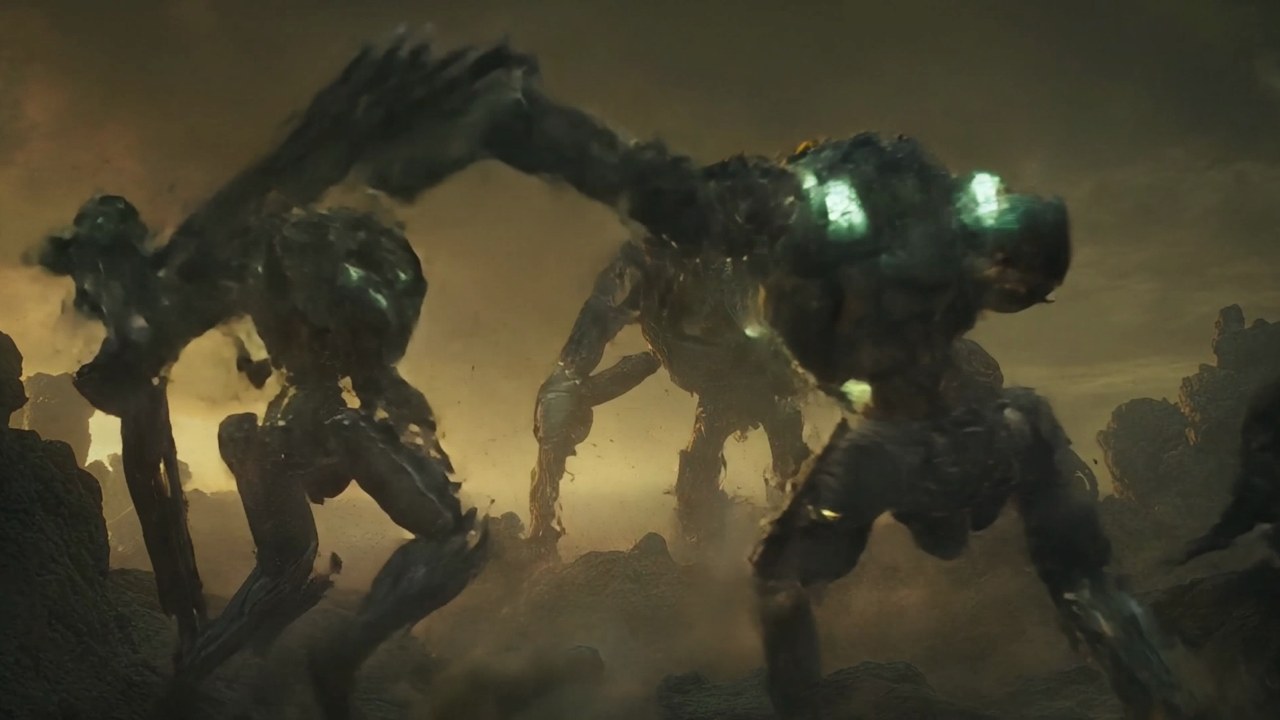 Reference
Real Transduce export — drag the wipe to compare unmatched vs matched against the reference inset.
You grade one shot that looks right. Transduce treats that clip as the reference, then maps the rest of the scene onto it — writing a real, editable colour-correction layer on each target, not a one-way bake.
Reference
Real Transduce export — drag the wipe to compare unmatched vs matched against the reference inset.
Use case. AI generators, multi-camera days, and mixed log / display plates rarely land with the same exposure and cast. Open Match Color: star the hero (Reference), check the siblings (Target), run Match. Each target gets an editable LGGO layer — review on scopes and dial numbers, not a black-box “look transfer.”
Need to lock container, encoding, and resolution to a house file as well? That is the separate Delivery Profile & Analyzer path (Project Settings). Color Match is specifically shot-to-shot colour alignment inside the Scene.
Project → Scene → Clip. Match Color’s three buttons are the unit of work; one starred reference per Scene.
| Step | What you do | What Transduce does |
|---|---|---|
| 0 · Grade the hero | Finish one clip until the look is right (optional if a plate already looks right) | Graded appearance sits on that clip’s ACEScg layer stack — Match will read it |
| 1 · Reference | In Match Color, click Reference and pick the hero thumb | Orange border + ★; clears any previous star. Match stays dim until targets exist |
| 2 · Target | Click Target, then click each sibling to include | Teal border + check on each target; reference stays starred and is skipped |
| 3 · Match | Click Match when the wand lights up | Samples composited looks, derives LGGO, appends one “Match to Reference” layer per target |
| 4 · Review | Open each Match layer; tweak master or R/G/B; queue when ready | Thumbs update; whole batch undoes as one Edit-menu step |
Shipping Match to Reference is a statistical engine — CPU, pure NumPy, no model download. It extends Auto Normalize’s percentile math to a two-clip solve: map target → reference, not target → fixed mid-grey.
| Piece | Key | Behaviour |
|---|---|---|
| Working space | ACEScg linear | Analysis and the written LGGO both live in the same working space as the rest of the grade |
| What is sampled | Composited appearance | Decode → existing CC layer stack, before Effects. Skips raw source (would ignore your grade) and skips grain/effects (would skew statistics) |
| Statistics | Per-channel percentiles | Independent R, G, B black / mid (P50) / white on target and on reference — exposure and colour cast, not luma-only |
| Solve | Two-clip LGGO | Derives offset, gain, gamma, lift so the target’s black/mid/white land on the reference’s measured percentiles |
| Written result | One CCLayer | Master = AP1 luma-weighted average of the three channels; R/G/B deltas = cast residual. Creative / tonal / curve left alone |
| Scope of match | Content-blind global | Same correction across the frame (skin and sky move together). Regional / semantic match is a separate system — not this control |
Nothing hidden. Agree with the exposure? Keep master. Disagree with a cool cast? Nudge blue residual only.
| Control group | Fields | Role after Match |
|---|---|---|
| Master LGGO | lift · gamma · gain · offset | Shared exposure / balance correction — visible on the default Master view immediately |
| Per-channel | lift/gain/gamma/offset × R/G/B | Residual colour-cast correction on top of master (effective_channel = master + residual) |
| Layer identity | “Match to Reference” | Ordinary stack citizen — disable, reorder relative to later creative work, or remove without redoing siblings |
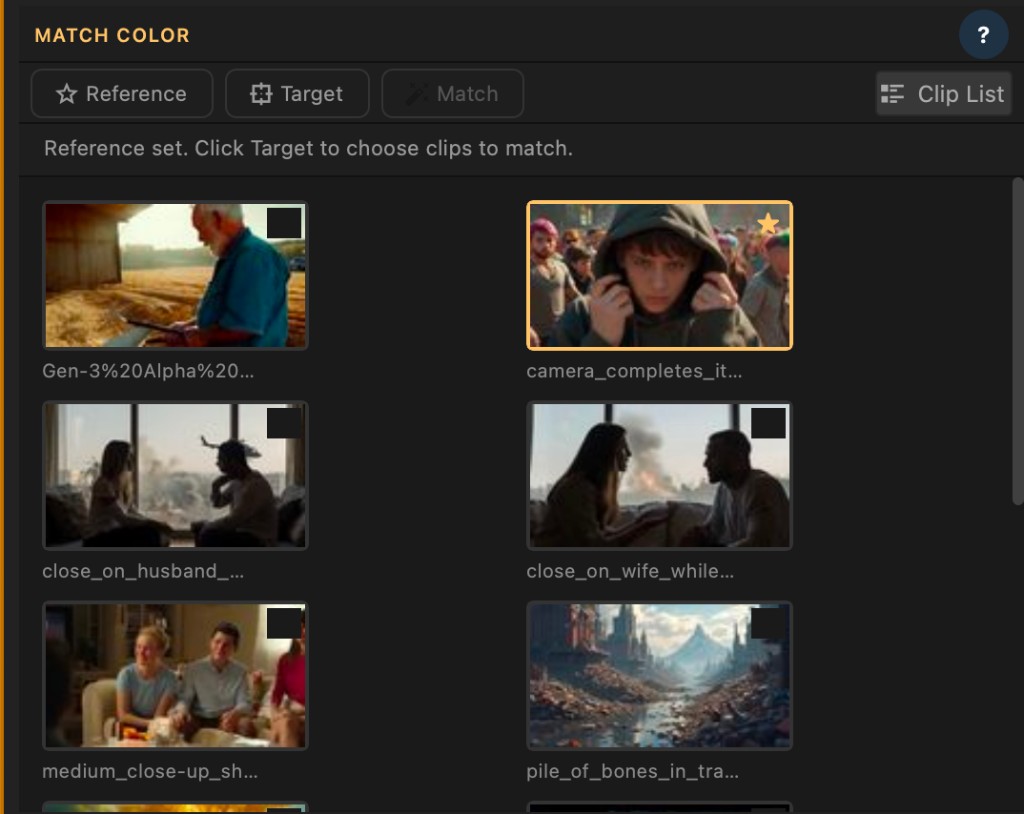
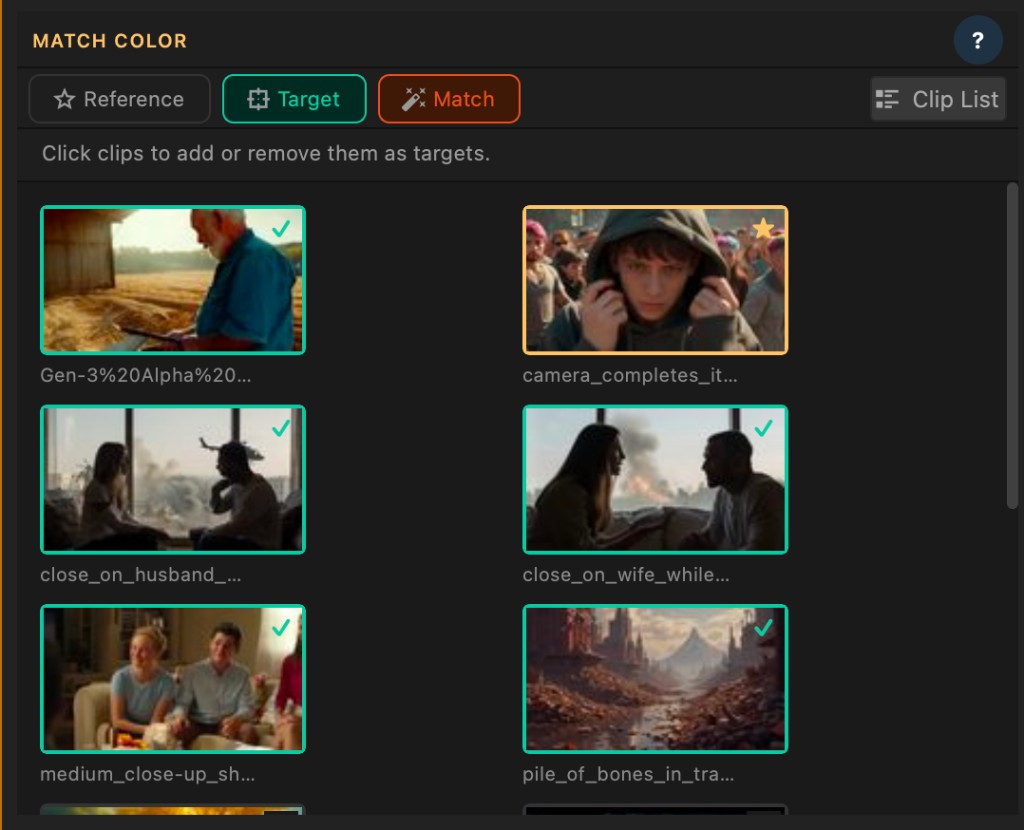
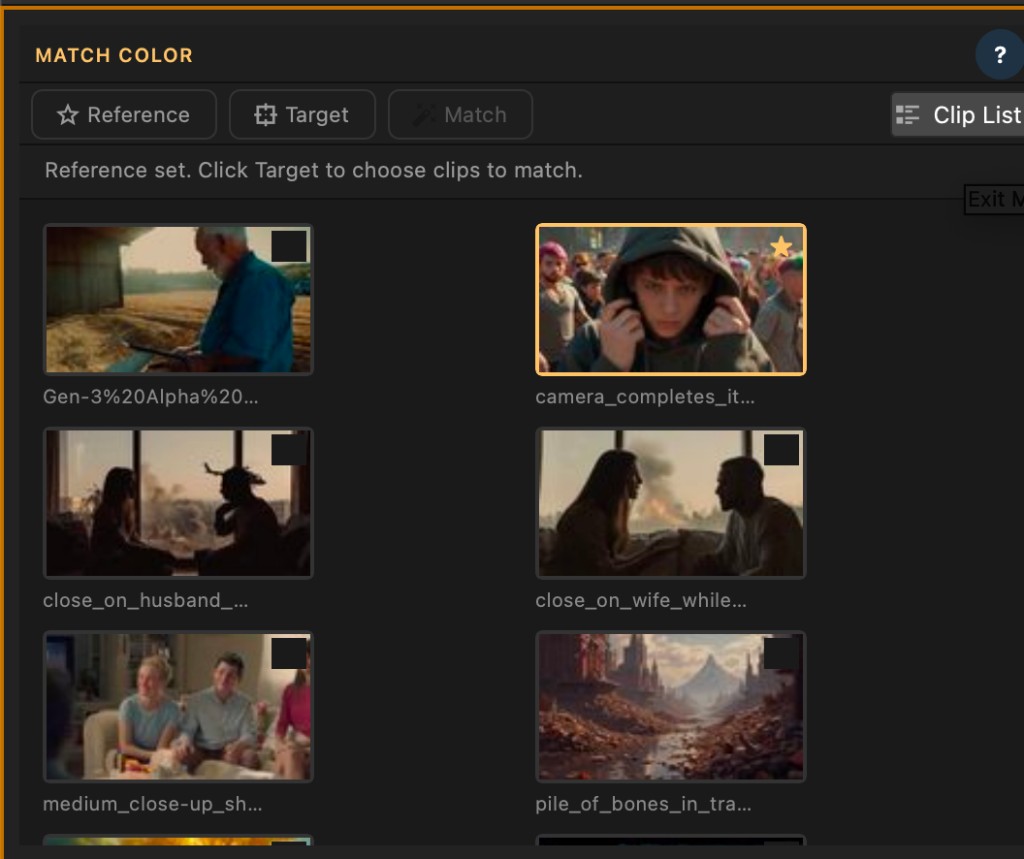
Same Scene, one star. Match never rewrites the reference; it only appends Match layers to the targets. Undo covers the whole batch.
Match the scene, keep ownership of every number, finish the grade in Transduce.