27
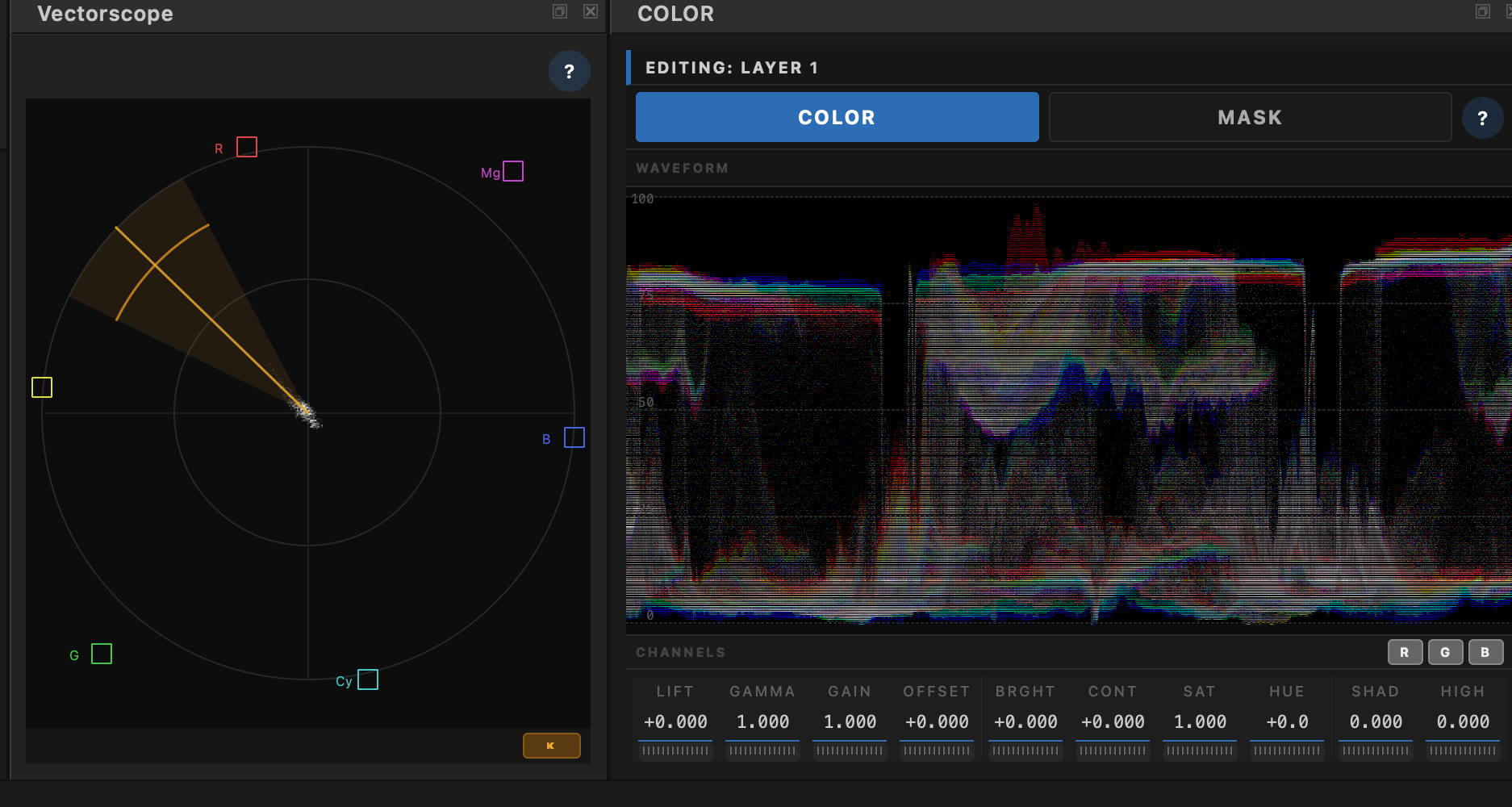
Judge exposure and color against the image you’re looking at — a density RGB waveform in the Color panel, plus a dockable vectorscope with a skin-tone reference.
The density RGB waveform lives in the Color panel. Logarithmic density accumulation gives the continuous, “smoky” read colorists expect — not a sparse scatter of dots. Watch blacks, mids, peaks, and channel balance while you dial Lift / Gamma / Gain.
A dockable Vectorscope (Ctrl+4) plots BT.709 Cb/Cr with graticule targets and a built-in skin-tone reference. Use SKN when you want a stronger flesh-line guide while pushing hue and saturation.
Grade in ACEScg; scopes monitor the display-referred frame. Point the focused viewer at Source, Active Layer, or Final Output and read what that path is actually showing — finishing instruments beside the grade, not a separate app.
Waveform for exposure and channel balance. Vectorscope for hue, sat, and skin. Trust the displayed frame while you finish.