Draw it. Read the matte. See the grade.
Same View Mask workflow as the qualifier path — overlay, matte, then graded result.
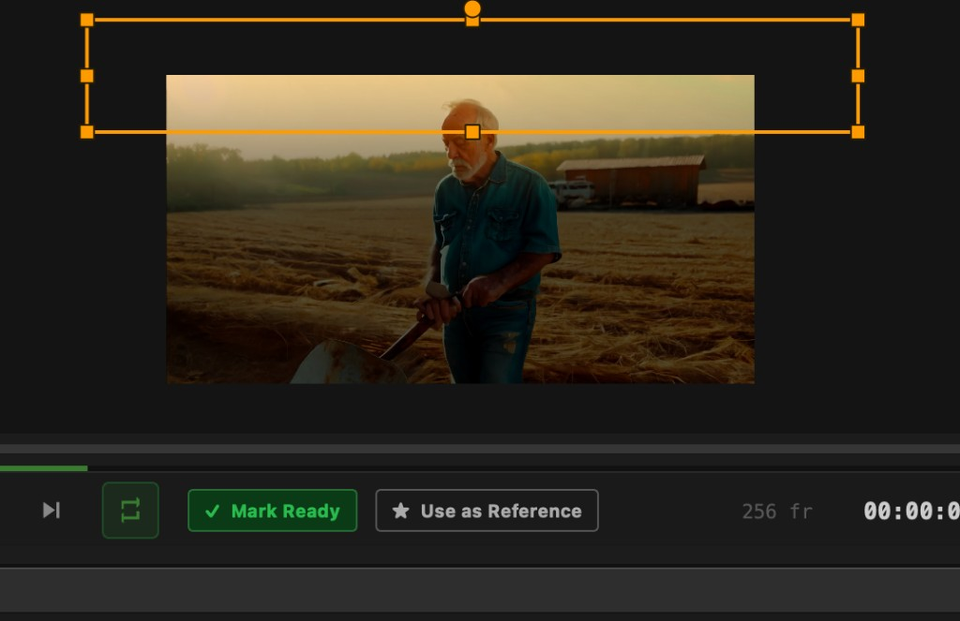
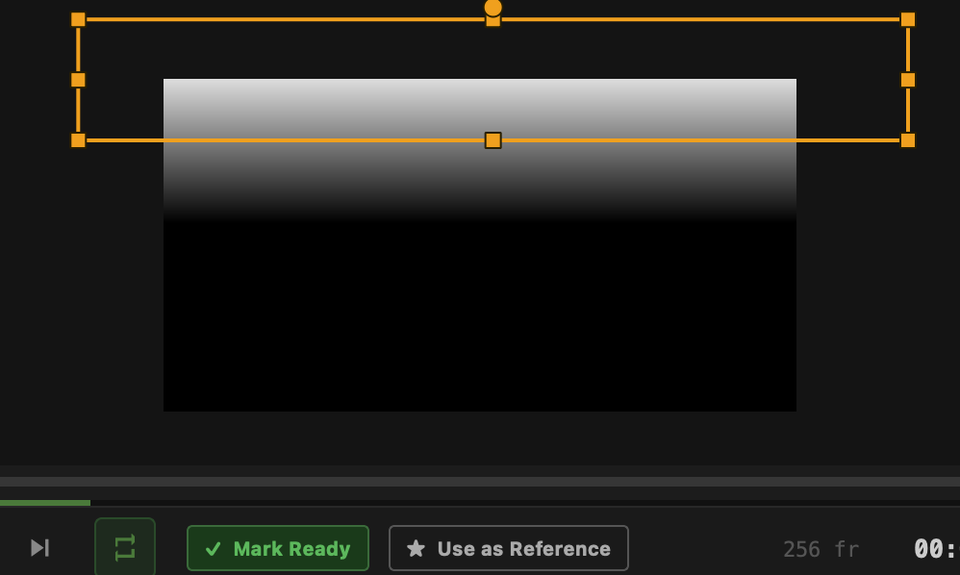
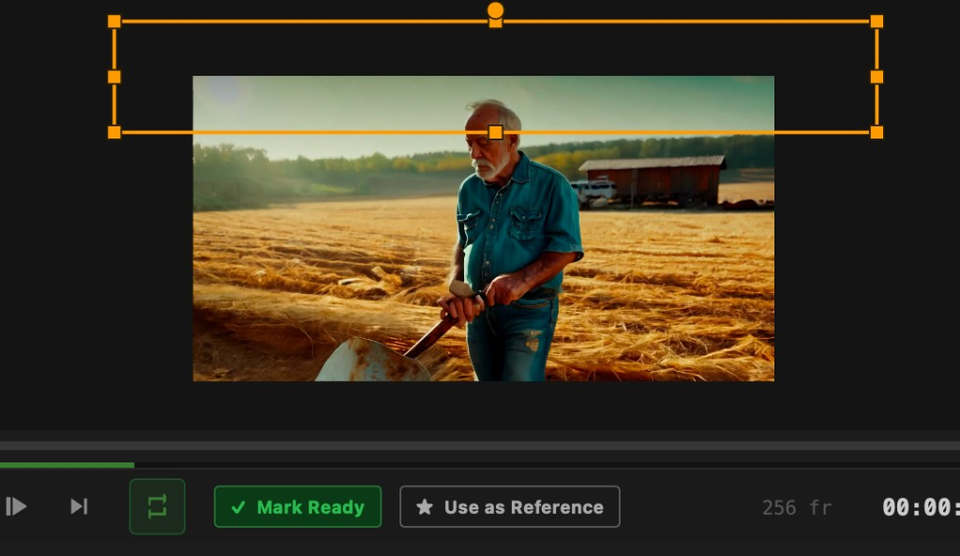
Shapes are masking tools in their own right — rectangle, ellipse, bezier polygon, and bezier line — drawn on the viewer, then folded ADD or SUBTRACT onto the colour qualifier. Isolation by geometry, not only by hue.
Colour qualifiers select by pixel values. Shape masks select by space. They sit on the same layer’s mask path as an orthogonal source: use a shape alone for a clean power window, combine shapes with a qualifier when colour alone spills, or stack several shapes — ADD to build coverage, SUBTRACT to punch holes.
Garbage matting is one job among many. Framing a face, fencing a sky, carving a soft edge grade around a product hero, or ringing a border around a logo are all the same toolkit.
Same View Mask workflow as the qualifier path — overlay, matte, then graded result.
Pick a type on the SHAPES tab, then draw on the viewer.
| Shape | How you draw it |
|---|---|
| Rectangle | Click-drag a box — classic power-window isolation |
| Ellipse | Click-drag an oval; convert to a bezier path when you need point-level edit (one-way) |
| Bezier polygon | Click to place points; close by returning to the first point or Enter — curves with draggable handles |
| Bezier line | Open path that becomes a soft ribbon — finish with Enter or double-click |
Each shape is a row in a reorderable list. Fold order is functional — not cosmetic.
| Control | Behaviour |
|---|---|
| ADD | Unions into the mask built so far (soft overlaps blend cleanly) |
| SUBTRACT | Punches a hole out of whatever is above it in the list |
| Onto the qualifier | Shapes fold onto the colour-mode gate — orthogonal source, not the H/S/L channel-combine dropdown |
| Soft Edge | Distance-ramp falloff on the shape boundary (separate from guided-filter feathering on the qualifier matte) |
| Fill / Ring | Solid interior, or a border ribbon of controllable width (lines are always a ribbon) |
| Opacity | Per-shape transparency in the fold |
| UV geometry | Normalized coordinates — shapes stay correctly placed across resolution and proxy changes |
Same toolkit — different intents.
First-class shape tools on the same layer path as the qualifier — draw, fold, grade.